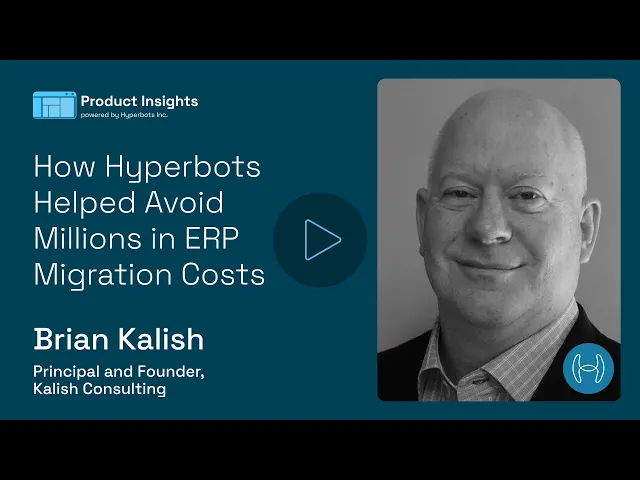
How Hyperbots Helped Avoid Millions in ERP Migration Costs
A practical conversation on managing finance operations across NetSuite, SAP, QuickBooks, and other ERP systems without expensive migration projects.
Introduction
Managing finance operations across multiple ERP systems has become normal for many growing companies. Acquisitions, regional expansion, legacy systems, and custom deployments often leave finance teams operating across a mix of platforms like SAP, NetSuite, QuickBooks, and more.
The challenge is not just technical complexity. It is the operational burden that comes with disconnected approval workflows, duplicate processes, inconsistent reporting, and manual reconciliation work.
In this conversation hosted by Brad Boehmke, Senior Account Executive at Hyperbots, Brian Kalish, Principal & Founder, Kalish Consulting, shares firsthand insights into how finance teams manage multi-ERP environments, the operational challenges that come with them, and how Hyperbots helped create a unified finance workflow without requiring a large-scale ERP consolidation project.
Why Multi-ERP Finance Operations Become So Complex
Brad : Many groups inherit two or more ERPs after mergers. What headaches did that create for your finance team?
Brian:
It would be great if every company operated on one ERP with one version and no customization, but that’s just not reality anymore.
Most organizations grow through acquisitions or regional expansion, and over time they end up with multiple systems. Even when companies technically use the same ERP platform, version differences and customizations can make them behave like completely separate systems.
In some cases, organizations are running thousands of customizations inside a single ERP environment. At that point, standardization becomes incredibly difficult.
For our organization, we were managing three different financial systems:
NetSuite in the US
SAP S/4HANA in Europe
QuickBooks in a smaller acquired startup
That created:
Three separate approval workflows
Three login systems
Multiple coding methods for the same expense
Different operational processes across regions
Our controller described the month-end close as “stitching quilts from three different cloths.” Honestly, that was the perfect description.
The biggest challenge wasn’t just technology. It was maintaining consistency and efficiency across finance operations.
Why Companies Are Moving Away From Large ERP Consolidation Projects
Brad : Many companies still try to consolidate into a single ERP. Why didn’t you go that route?
Brian:
For a long time, companies believed the answer was a massive ERP migration project.
The thinking was simple: move everything into one platform and standardize the business.
But those projects are expensive, disruptive, and take years.
What organizations are realizing now is that forcing every entity into one ERP is often no longer the best answer.
The business changes faster than those projects can finish.
Instead of spending years rebuilding systems, companies are looking for ways to unify operations while keeping the ERPs they already have.
That was one of the biggest reasons Hyperbots became interesting for us.
How Hyperbots Connects Multiple ERP Systems
Brad : How does Hyperbots connect to all those systems at once?
Brian:
Each entity benefits from its own ERP-specific connector.
The co-pilots intelligently route transactions to the correct ERP based on the ownership structure.
So from the finance team’s perspective, accounts payable teams operate inside one Hyperbots interface while invoices and transactions are posted in real time to the correct ledger behind the scenes.
That eliminated what we used to call “swivel chair operations.”
People were constantly switching between systems, moving batch files around, logging into multiple platforms, and manually stitching workflows together.
Hyperbots removed a huge amount of that operational friction.
Managing Multiple SAP or ERP Instances Without Rebuilding Processes
Brad : What happens if a company has multiple versions or instances of the same ERP?
Brian:
That’s actually very common.
What Hyperbots effectively creates are separate configurations for each ERP instance.
Each environment can maintain:
Its own chart of accounts
Its own company codes
Its own approval rules
Its own regional workflows
But the finance organization still benefits from a consistent operating model.
For example:
Germany might require three-way matching
France might use two-way matching
Hyperbots lets those rules coexist without requiring heavy development work.
That flexibility matters because finance teams need consistency, but they also need local compliance support.
One Login Across Multiple ERP Systems
Brad : Managing access across multiple ERPs sounds complicated. How was that handled?
Brian:
We integrated Hyperbots with Azure Active Directory.
The finance team could move between workflows tied to NetSuite, SAP, and other systems without repeated authentication.
That meant:
One login
One MFA process
One operational workflow
The result was a much smoother experience for the AP organization.
From a finance perspective, that efficiency matters more than people realize.
Standardizing Finance Processes Across Global Teams
Brad : Some organizations want centralized processes while others prefer local flexibility. Can Hyperbots support both?
Brian:
Yes.
We implemented a unified approval structure using one authority matrix across all entities.
At the same time, local tax and compliance requirements could still operate independently.
So you end up getting the best of both worlds:
Centralized operational consistency
Local compliance flexibility
That’s critical for multinational organizations.
How Hyperbots Handles Regional Finance Requirements
Brad : What about country-specific workflows or payment processes?
Brian:
Hyperbots stores rule sets separately for each region or entity.
For example:
Mexico maintained peso-denominated payment schedules
Canada operated through Canadian EFT workflows
The important thing is that configurations stay isolated while operational visibility remains centralized.
That prevents workflow conflicts and keeps regional finance requirements intact.
Shared Services vs Local Finance Teams
Brad : How does Hyperbots support shared service models?
Brian:
In our case, we operated through a shared service center.
Hyperbots allowed AP teams to work from a single invoice queue across multiple ERPs.
That improved:
Visibility
Operational efficiency
Workflow management
Team productivity
At the same time, organizations that prefer local teams can ring-fence workflows independently.
The key difference is that the technology adapts to the business.
The business doesn’t need to redesign itself around the software.
What a Multi-ERP Hyperbots Deployment Looks Like
Brad : Can you walk through a deployment example?
Brian:
For invoice processing, we configured separate ERP integrations for NetSuite and SAP.
Vendors submitted invoices into dedicated inboxes.
From there:
Hyperbots email connectors captured the invoices
The platform extracted invoice data automatically
Transactions were matched to the correct ERP
Bills were posted into SAP or NetSuite in real time
The AP clerk didn’t need to think about which ERP the invoice belonged to.
That’s where the value becomes very real.
Instead of forcing people to manually map and move information between systems, the AI handles that complexity automatically.
How Hyperbots Helped Avoid Expensive ERP Migration Costs
Brad : What did you avoid by not doing a large ERP consolidation project?
Brian:
Probably a year’s worth of consulting fees.
And honestly, probably double that in change management challenges.
People don’t naturally like operational change, even when the end result is better.
Large ERP migrations create enormous disruption across finance organizations.
Hyperbots gave us another option.
We were able to postpone the “one ERP” debate while still maintaining unified finance operations.
Very roughly speaking, we likely saved several million dollars by avoiding a massive migration initiative.
More importantly, it helped finance teams avoid a lot of sleepless nights and weekends.
How Hyperbots Tracks Errors and Exceptions Across ERPs
Brad : How are exceptions and errors handled when multiple ERPs are involved?
Brian:
Every transaction includes a validation process.
If NetSuite rejects a bill or SAP encounters a closed accounting period, the transaction automatically drops into a centralized exceptions queue.
Each issue is tagged with:
The entity
The ERP system
The specific error message
Whether you have three ERPs or ten, everything comes into one place for resolution.
That dramatically improves operational visibility.
The Biggest Operational Changes After Hyperbots Went Live
Brad : What was the biggest change once Hyperbots was implemented?
Brian:
There were really three major outcomes.
First, we achieved unified operations without an expensive migration project.
Second, we streamlined workflows through:
One login
One dashboard environment
One operational process
Third, we achieved roughly 80% straight-through processing across three ERP systems.
That’s important because finance teams should not spend their time manually processing routine transactions.
The goal is to let automation handle the repetitive work so teams can focus on the exceptions that actually require human attention.
That’s where the operational value becomes very clear.
Final Thoughts
Multi-ERP finance environments are no longer the exception. They are becoming the norm.
Organizations operating across SAP, NetSuite, QuickBooks, and other ERP platforms often face growing operational complexity, disconnected workflows, and expensive consolidation pressures.
This conversation highlights a different approach.
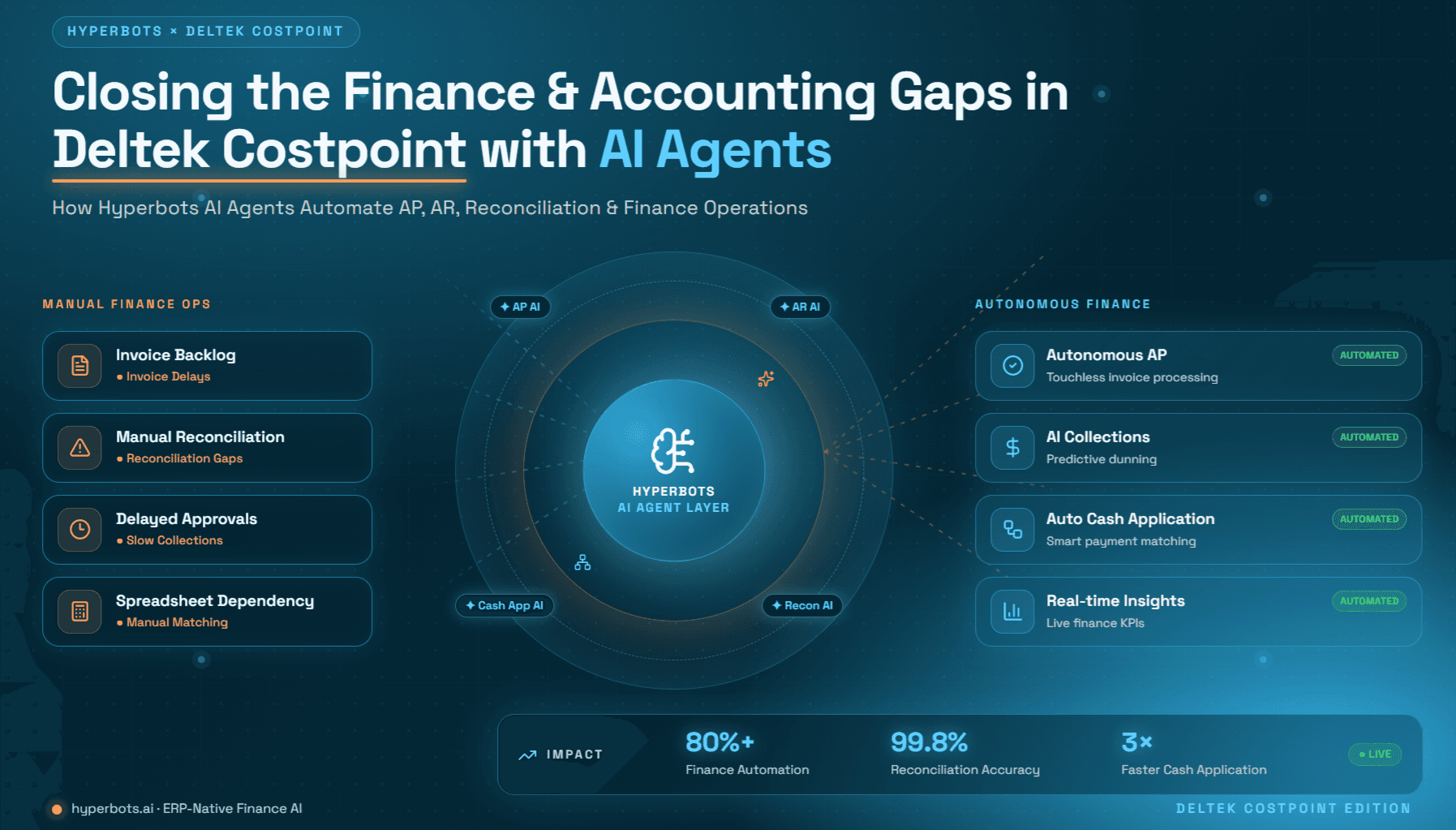
Instead of forcing companies into long, high-risk ERP migration programs, Hyperbots helps finance teams unify operations across existing systems using AI-driven automation, centralized workflows, and ERP-specific integrations.
For finance leaders, the takeaway is simple:
You do not necessarily need one ERP to create one finance operation.
Ready to unify your finance operations without the migration headache?
Start your free trial or book a demo today.