
Accounts Payable Automation Benefits: From Definition to ROI
Modern finance teams need more than paperless workflows. They need an accounts payable approval software that accelerates approvals, improves control, and eliminates manual bottlenecks.
Modern finance teams need an end-to-end AP automation stack that captures, understands, and pays invoices without human effort. This guide unpacks the accounts payable automation benefits that matter, explains the full AP automation process flow, and shows why Hyperbots' Agentic-AI Co-Pilot leads the market in automated AP operations.
Why Accounts Payable Automation Is Now a Finance Priority
For most finance teams, accounts payable has traditionally been one of the most labor-intensive processes in the department. Every invoice that arrives, whether by email, EDI, or paper, requires someone to open it, key in the data, match it against purchase orders, route it for approval, and finally release payment. Do that thousands of times a month, and you end up with a team buried in low-value work, a high error rate, and a frustrating inability to capture early payment discounts simply because invoices move too slowly.
The challenges are predictable: manual data entry errors, duplicate payments, missed discount windows, approval bottlenecks, and audit preparation that consumes days instead of hours. As invoice volumes grow and finance teams are expected to do more with fewer resources, these problems compound quickly.
That is where AP automation changes the equation. By automating the repetitive, rule-bound steps of the invoice lifecycle, finance teams can dramatically reduce cost per invoice, shorten cycle times, and redirect their people toward analysis and vendor strategy rather than data entry. The sections below explain exactly how that works, what it costs, and what a realistic return looks like.
Accounts Payable Automation: Definition and Scope
Accounts payable automation refers to the use of AI, machine learning, and integrated workflows to handle the full lifecycle of an invoice without requiring manual intervention at each step. It goes well beyond basic invoice scanning or OCR. Where legacy OCR tools simply attempt to read text off a page (and fail whenever a vendor changes their layout), a modern AP automation stack understands invoice content in context, applies business rules, routes for approval, and posts to the ERP, all without a human touching each transaction.
A true solution covers five core components:
Invoice capture is the front door of the process. Invoices arrive through email, EDI, supplier portals, and other channels. Automation ingests all of them, regardless of format, and brings them into a single workflow.
AI extraction goes beyond reading characters off a page. AI models interpret header fields, line items, tax amounts, and PO references, handling layout variations across thousands of vendor formats without templates.
Approval routing is where business rules come into play. Invoices are assigned to approvers dynamically based on amount thresholds, cost centers, risk scores, and company policy. Approvers receive nudges through Slack, Teams, or email so that no invoice sits waiting in someone's inbox.
Payment execution connects the approved invoice directly to payment rails. ACH, BACS, SEPA, and virtual card options are selected based on vendor preferences and cash optimization logic, with no manual payment runs required.
Audit logging records every action taken on every invoice. Each step is hash-stamped and immutable, which means audit preparation goes from days to a search query.
When all five components run on one integrated platform, you achieve genuine end-to-end AP automation rather than a collection of disconnected tools that each require their own maintenance.
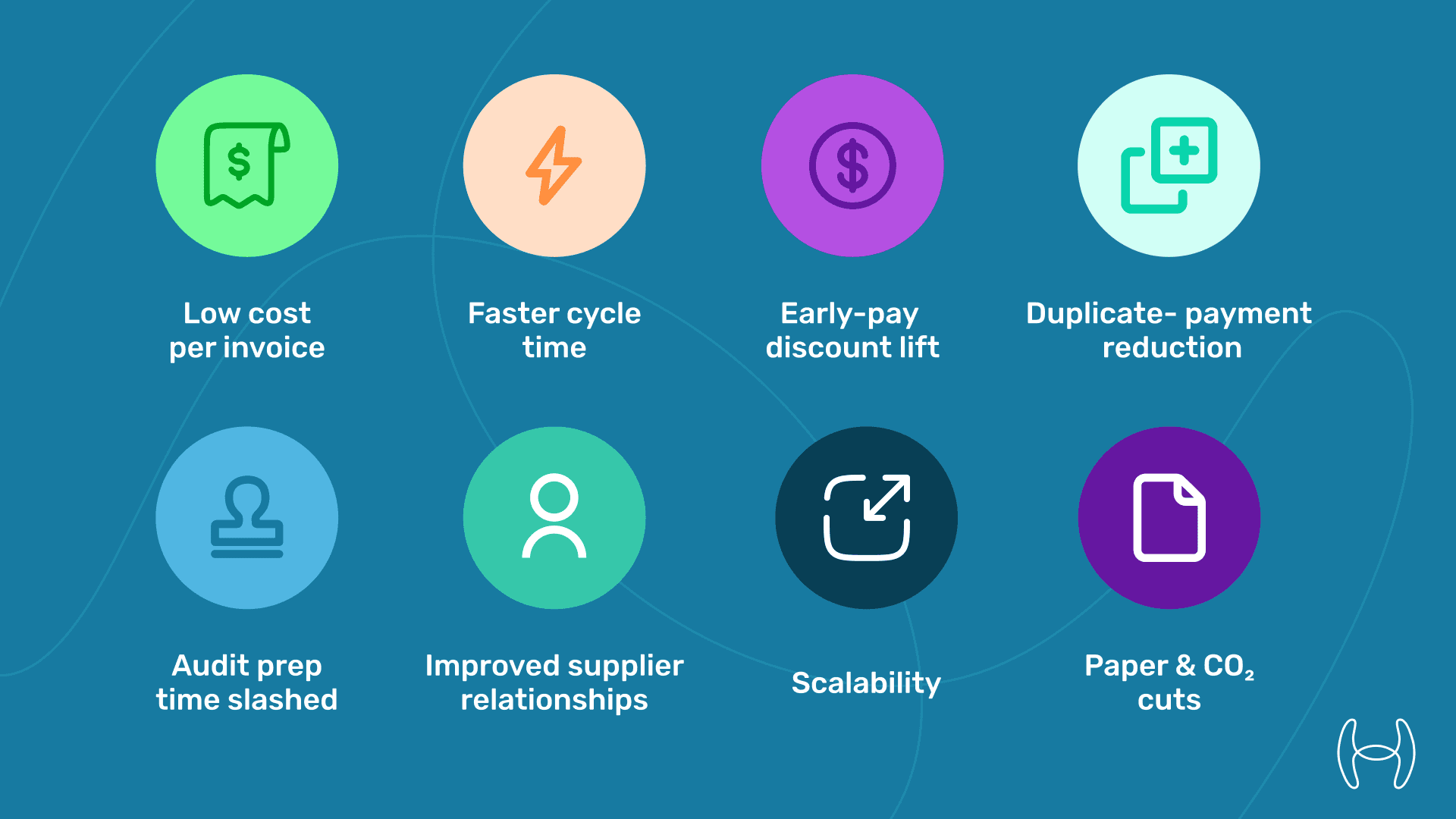
Eight High-Impact Accounts Payable Automation Benefits
# | Benefit | Typical Gain* |
1 | Lower cost per invoice | $12.88 → ~$5.00 |
2 | Faster cycle time | 12 days → under 1 day |
3 | Early-pay discount lift | 25% → 90% captured |
4 | Duplicate-payment reduction | 0.3% → 0.03% of spend |
5 | Audit prep time slashed | 5 days → under 1 hour |
6 | Improved supplier relationships | Real-time status portal |
7 | Scalability | 20K → 1M invoices without headcount increases |
8 | Paper and CO₂ reduction | Zero printing |
*Benchmarks drawn from Hyperbots client data (2024).
The AP Automation Process
Manual AP is largely a relay race where invoices pass between people at each stage, and every handoff is a chance for delay or error. Automation replaces most of those handoffs with software that processes, validates, and moves invoices forward without waiting for a person. Here is how each stage compares.
1. Invoice Capture
In a manual environment, invoices land in shared inboxes, on fax machines, or in paper trays. Someone has to retrieve them, separate duplicates from legitimate invoices, and log each one into the system. It is tedious and error-prone, especially when the same invoice arrives via both email and EDI.
With automation, every incoming channel is monitored continuously. AI-driven invoice discovery pulls invoices from email, portals, and ERP queues and brings them into a single workflow. Nothing sits in a shared inbox waiting to be processed.
2. Data Extraction and Classification
Manual keying is the biggest source of AP errors. Transposing digits, misreading vendor names, and missing line items are common, particularly with high-volume invoice flows.
AI extraction models read every field on every invoice, including multi-page and multi-invoice documents, with high accuracy. Line items, tax amounts, PO references, and payment terms are all captured without manual entry. Invoices are also classified by type, entity, and GL category automatically, which removes another source of human error.
3. Matching and Validation
In manual AP, matching an invoice against its purchase order and goods receipt can take anywhere from minutes to days, depending on complexity and availability of the right people. When a match fails, the invoice sits until someone investigates.
Automated matching checks the invoice against PO and GRN data in seconds, flagging only genuine exceptions for human review. Tolerance rules handle minor discrepancies automatically. The result is that fewer than 5% of invoices typically require manual intervention, compared to a much higher share in manual environments.
4. Approval Routing
Static approval chains are a common bottleneck. When the assigned approver is on leave or the invoice amount crosses an unexpected threshold, invoices stall.
Automated approval routing assigns each invoice to the right approver based on amount, cost center, vendor risk score, and policy rules. Approvers receive notifications through their preferred channel and can approve from a mobile device. Escalation rules ensure no invoice waits indefinitely.
5. Payment Execution
Manual payment runs typically happen on a fixed schedule, weekly or twice monthly, which means invoices approved on day 10 may not be paid until day 21. Early payment discounts, which often require payment within 10 days, are almost always missed.
Automated payment execution releases payments as soon as approval is confirmed. The system selects the optimal payment method, whether ACH, BACS, SEPA, or virtual card, based on vendor preferences and cash flow position. Early payment discounts are identified and acted on automatically, which is one of the most significant sources of measurable ROI. You can explore how this works in more detail in this guide to leveraging AI to capture missed early payment discounts.
6. Reconciliation and ERP Posting
In manual AP, reconciliation often involves exporting data from multiple systems and reconciling line by line in a spreadsheet. Month-end close is frequently delayed because AP data is not ready.
Automated systems post directly to the ERP once payment is confirmed, with no manual journal entries required. Bank statement reconciliation is handled automatically, and the audit trail is complete from the moment the invoice was first received. This makes AP data available in real time for cash flow forecasting and financial reporting, rather than only after a labor-intensive close process.
Calculating the ROI of Accounts Payable Automation
Understanding where the money comes from is the most important part of building a credible business case for AP automation.
The primary saving is cost per invoice. According to Ardent Partners, the industry benchmark for processing an invoice manually sits at $12.88. Automated platforms typically bring that down to approximately $5.00, a reduction of more than 60%. For a finance team processing 250,000 invoices annually, that difference alone generates meaningful savings before counting any other benefit.
Labor reduction is the most direct component. Fewer manual steps mean fewer hours spent on data entry, matching, chasing approvals, and resolving exceptions. Teams that were previously managing three FTEs on AP data entry often find they can redeploy those people to higher-value tasks.
Discount capture is the second major source of ROI and is frequently underestimated. Most organizations capture fewer than 25% of available early payment discounts simply because invoices move too slowly through manual approval chains. Automation routinely lifts that to 90% or higher, and the financial value of those discounts can exceed the cost of the software itself.
Duplicate payment prevention is a savings category that many finance teams are not actively measuring. Industry data suggests duplicate payments account for between 0.1% and 0.5% of total AP spend. Automated duplicate detection flags these before payment is released.
Taken together, a representative calculation looks like this:
Savings Source | Annual Value |
Cost per invoice: ($12.88 - $5.00) × 250,000 invoices | $1,970,000 |
Duplicate payment recovery | $180,000 |
Early payment discounts captured | $300,000 |
Total | $2,450,000 |
At these numbers, payback periods of six months or less are achievable for mid-market organizations. You can use Hyperbots' invoice processing ROI calculator to model your own numbers.
Planning a Successful AP Automation Project
Phase | Weeks | Deliverables |
Discovery | 0–2 | KPI baseline, vendor master clean-up |
Sandbox | 2–4 | 1,000-invoice proof of concept; refine AI thresholds |
Integration | 4–6 | ERP API, payment rails, SSO |
Pilot | 6–8 | 50% live volume; measure touchless rate |
Roll-out | 8–12 | 100% live; decommission legacy OCR |
Success hinges on aligning the AP automation process with business rules early. Teams that invest time in the discovery phase to document approval policies, tolerance thresholds, and exception handling logic consistently achieve higher straight-through processing rates during rollout.
Compliance Gains and Audit Readiness
Regulation | Hyperbots Capability |
HMRC MTD | Digital-link API, real-time VAT file |
CRA GST/HST | Auto tax-split agent |
SOX | Immutable ledger and segregation of duties |
GDPR/PIPEDA | Region-locked data centres (UK and CA) |
Compliance savings are often overlooked when counting AP automation benefits. The time AP and finance teams spend preparing for audits, pulling invoices, reconstructing approval histories, and documenting exception decisions can easily run to several FTE-weeks per year. When audit trails are generated automatically and stored in an immutable log, that effort effectively disappears.
Conclusion
The case for AP automation comes down to a simple observation: manual invoice processing is expensive, slow, and difficult to scale. At $12.88 per invoice for manual processing compared to roughly $5.00 with automation, the cost argument alone is hard to dismiss. Add in the value of early payment discounts that currently go uncaptured, the exposure from duplicate payments, and the drain on finance team time from repetitive data work, and the numbers become compelling for most mid-market organizations.
Beyond the direct cost savings, there is a less visible benefit: visibility. When invoices move through an automated workflow, finance leaders can see exactly where every invoice stands at any moment, which gives them better data for cash flow forecasting and removes the last-minute scramble before month-end close.
Hyperbots brings all of this together in a single agentic AI platform, from invoice capture and matching through approval routing, payment execution, and ERP posting. For teams ready to move beyond manual AP, the Hyperbots Invoice Processing Co-Pilot is a practical starting point.
Explore the ROI or Schedule a Demo to see what this looks like for your team.