How Invoice Approval Delays Kill Early-Pay Discounts
Why Approval Lag Causes Missed Early-Pay Discounts
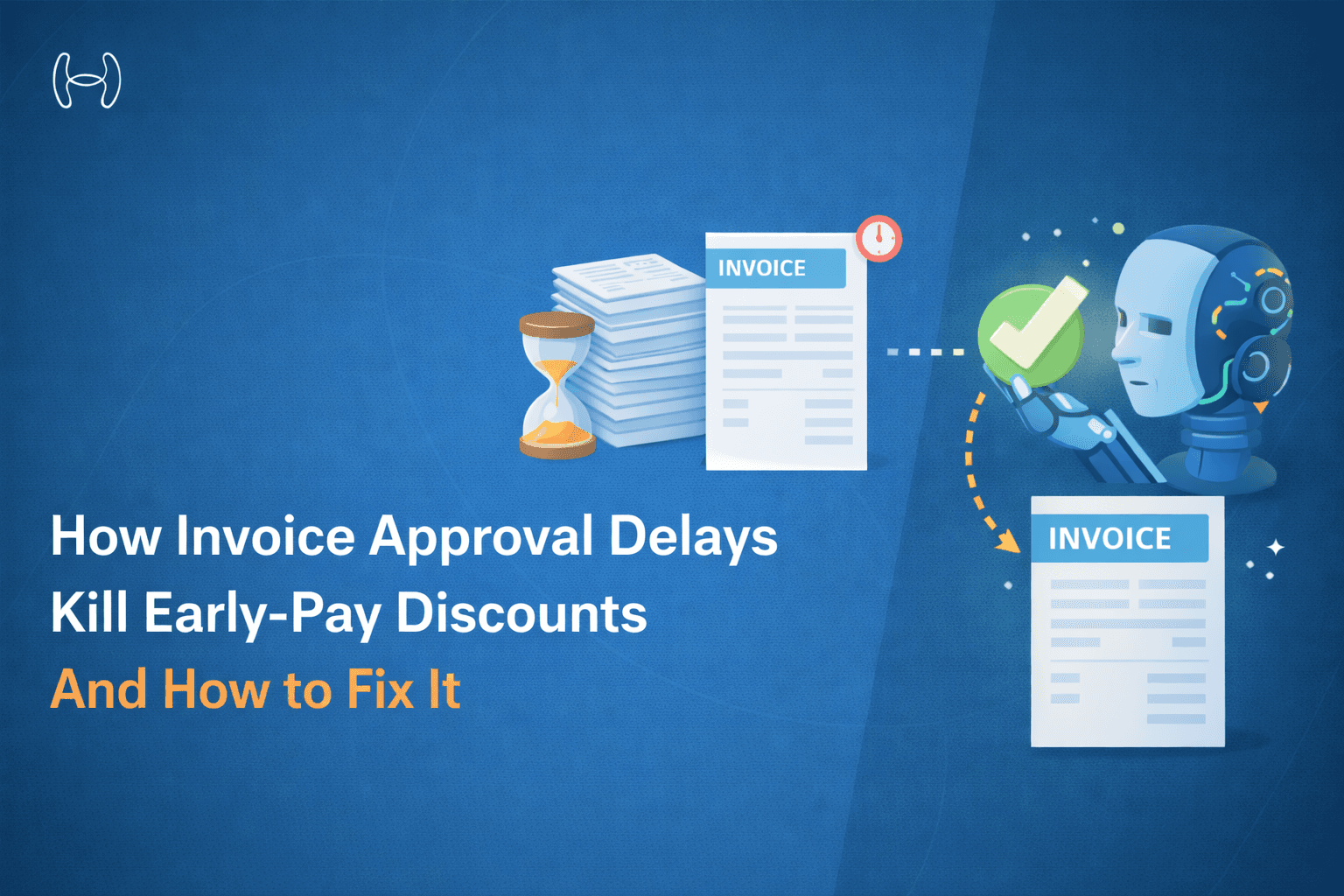
Your vendor is offering you 2% off every invoice if you pay within 10 days. That sounds routine. But on $5 million in annual payables, those two percentage points are $100,000 a year, and most finance teams are leaving it behind, every year, not because they lack the cash, but because their invoice approval process cannot move fast enough to capture it.
This is the early-pay discount problem. It is one of the most common, and most quietly expensive — failures in accounts payable, and it is almost entirely caused by a single variable: approval lag.
What does that lag look like in practice? An invoice arrives. Someone in AP extracts the data. It gets forwarded by email. The approver has a meeting. The invoice sits. The 10-day window closes. The company pays full price for something it could have paid less for. This happens hundreds of times a year across most mid-market AP teams and the cumulative cost rarely appears on any report because no one is tracking discounts missed, only discounts captured.
This blog explains what early-pay discounts actually are and why they matter, walks through what the finance team is trying to achieve, examines why existing technology fails them, and shows what AI invoice approval workflow automation is doing to close the gap, with verified numbers.
58% of invoices face at least one approval delay | 42% of early-pay discounts lapse due to slow sign-off | 37%+ annualised ROI on a typical 2/10 net 30 early payment |
What Finance Teams Are Actually Trying to Do
When a finance team talks about improving their AP approval process, they have three concurrent goals and all three are in tension with each other.
Goal 1: Capture every available early-pay discount. Most vendor contracts include 2/10 net 30 or similar terms. The finance team knows this. They want to take advantage of the discount whenever cash flow allows. On a $10,000 invoice, 2% is $200. Across 8,000 invoices annually, it is a material number.
Goal 2: Maintain financial controls. Approvals exist for a reason. The right person needs to confirm that the invoice is legitimate, the amounts are correct, the work was delivered, and the payment is authorised. No finance leader wants to speed up approvals so much that fraud risk or duplicate payments increase.
Goal 3: Not add headcount. AP teams are typically lean. The solution to faster approvals cannot simply be more people reviewing more invoices. It needs to be a smarter process, one that handles the routine automatically and routes the exceptions to humans who can actually add value.
These three goals are achievable simultaneously. Most AP teams have not achieved them yet because the tools they are using were not built to deliver all three at once.
Understanding Early-Pay Discounts: The Math That Makes Them Worth Fixing
Early payment discount terms, most commonly 2/10 net 30, give buyers a percentage discount if they pay within a short window (10 days), with the full invoice amount due at the standard term (30 days). What makes these terms financially significant is the annualised return.
The Annualised Return on a 2/10 Net 30 Discount
Formula: (Discount % ÷ (1 − Discount %)) × (365 ÷ Days Saved)
2/10 net 30 example:
Discount %: 2%
Days saved: 20 (paying on day 10 instead of day 30)
Annualised ROI: (0.02 ÷ 0.98) × (365 ÷ 20) = 37.2%
Paying 20 days early to earn 2% is the equivalent of a 37% annualised return, exceeding virtually every short-term treasury yield available to a mid-market company.
Despite this return, discount capture rates at companies using manual or email-based AP processes are consistently low. Here is where the 10-day window actually disappears:
Stage | Legacy Time | Days Used | Window Remaining |
Invoice arrives in AP inbox | Day 0 | 0 days | 10 days |
Data keyed into system manually | Next morning | 1 day | 9 days |
PO matching and validation | Manual, same batch | 1 day | 8 days |
Email drafted and routed to approver | Same day | 0 | 8 days |
Approver reads, reviews, approves | In between meetings | 2–3 days | 5–6 days |
Payment processed and scheduled | Weekly batch run | 2–3 days | 2–3 days |
Funds clear supplier account | Bank processing | 1–2 days | 0 days ❌ |
This is not a cash availability problem. It is an approval speed problem.
The 4 Approval Bottlenecks That Kill Discount Windows
Understanding where time is lost is the prerequisite for fixing it. In AP teams relying on email-based workflows, the same four bottlenecks appear consistently.
Bottleneck 1: Invoice Capture Is Still Manual
In most legacy AP environments, invoice data still requires human keying or template-based OCR. Template OCR fails on unstructured invoices, those where the layout differs from the template, which is the majority of invoices from smaller vendors. When a template fails, the invoice falls into an exception pile and waits for a human.
That exception pile is where discount windows go to die. Invoices in exception queues often sit for two to five days before anyone picks them up, and by then, even a fast approval chain cannot recover the time.
Bottleneck 2: Approvers Have No Context in Their Inbox
When an approver receives an invoice approval request by email, they typically get a PDF attachment and a forwarding note. What they do not get: the PO reference, the budget balance for that cost centre, the vendor's payment history, or the discount deadline.
So they do one of two things. They approve quickly without full context, which creates fraud and duplicate-payment risk. Or they ask AP for more information, which creates an email round trip that costs another one to two days. Neither outcome serves the discount capture goal.
Bottleneck 3: Sequential Approval Chains for Every Invoice
Most approval matrices were designed for paper-based processes and never updated. Every invoice, regardless of amount, vendor familiarity, or PO-match status, follows the same sequential chain: department manager, then director, then finance sign-off.
For a $600 recurring utility bill from a vendor paid reliably for three years, a three-level sequential chain is not a control. It is a tax on AP team time. Each level adds a minimum of one business day, turning a process that could be completed in minutes into one that takes four to five days by design.
Bottleneck 4: No Escalation When Approvers Are Unavailable
There is no OOO detection in an email-based approval workflow. If the approver is at a conference, on leave, or simply overwhelmed, the invoice sits until they return. There is no system-level awareness that a discount deadline is approaching, no automatic delegation, and no SLA clock visible to AP.
A three-day national holiday can wipe out every early-pay discount in the queue. The finance team typically discovers the loss only when they reconcile vendor statements the following month.
Why Existing AP Technology Has Not Solved This
Finance teams have adopted some form of AP technology, ERP-native workflows, standalone OCR, procurement platforms. Yet the discount capture problem persists. Here is why each common approach falls short.
Template-Based OCR works reasonably well for large, structured suppliers but breaks on the long tail of smaller or less consistent vendors. In practice, 30 to 40 percent of invoice volume typically falls outside template coverage, landing in the exception queue. More critically, template OCR cannot read paragraph-style payment terms or discount conditions written in narrative text; those discounts go uncaptured because the system never saw them.
ERP-Native Approval Workflows require approvers to log into the ERP to action items. Approver adoption is the persistent failure point: managers who live in Slack, Teams, or Outlook will not consistently open a separate system to approve invoices. The result is that ERP-native workflows often revert in practice to email forwarding of ERP notifications, structurally identical to the email problem they were meant to solve.
Standalone Procurement Platforms handle the purchase order side well but were not designed for the high-volume, varied-format reality of accounts payable. Non-PO invoices, which can represent 40 to 60 percent of volume in professional services, technology, and healthcare, fall outside their coverage entirely.
The Core Technology Gap
None of these tools were built to:
Read unstructured invoice formats accurately at scale
Surface discount deadlines to approvers in real time
Route approvals to where approvers actually work
Escalate automatically when a discount window is at risk
Distinguish between invoices that need human judgment and those that do not
Closing this gap requires AI-driven extraction, context-aware routing, and intelligent escalation built around the approval workflow itself, not faster OCR bolted onto an email chain.
The Approval Journey: Legacy vs. AI-Assisted
The contrast between a legacy email-based approval and an AI-assisted workflow is not a matter of degree. It is a structural difference in how the process is designed.
Legacy Approval Path - avg. 3.8 days to approval
Step | Detail |
Invoice Arrives | Email / PDF |
Manual Data Entry | 1–2 days |
Email to Approver | Context missing |
Approver Responds | 2–3 days / OOO |
Payment Batch | Weekly run |
Discount window (10 days): typically expired before the payment batch fires.
AI-Assisted Approval Path - avg. less than 1 hour to approval
Step | Detail |
Invoice Arrives | Any format |
AI Extraction | 10 sec · 99.8% |
Auto-Match & Route | 15 sec · inline |
Slack Approval | 1-click · OOO aware |
Same-Day Payment | Discount captured ✓ |
80% of invoices auto-approved without human touch. Only exceptions reach approvers.
How Hyperbots Co-Pilots Address Each Problem
Hyperbots is built to eliminate all four problems simultaneously through a suite of AI Co-Pilots that cover the full invoice-to-payment lifecycle, without requiring a separate tool for each stage or a custom integration project for every ERP.
Problem 1: Manual invoice capture — solved by AI extraction
Most AP teams lose the first one to two days of the discount window before a human even looks at the invoice. Hyperbots eliminates that delay entirely.
The Invoice Processing Co-Pilot uses a multimodal AI engine combining Vision Language Models (VLM), LayoutLM, and a Large Language Model Mixture of Experts (LLM MoE) to read invoices in any format, from clean structured PDFs to handwritten scans, email-body invoices, and documents with payment terms buried in paragraph text. Pre-trained on 35 million invoice fields, it needs no template setup per vendor and no tuning period. It is accurate from the first invoice it touches.
Critically, it does not just extract amounts and line items. It reads payment terms in natural language, calculates the discount deadline, and flags the invoice for priority handling before it enters the queue. An invoice with a 10-day discount window does not sit in a batch overnight. It moves in seconds.
The result is an 80% straight-through processing rate: 8 in 10 invoices go from inbox to ERP posting without any human involvement. Processing time falls from an industry average of 11 days to under one minute, and the cost of processing each invoice drops by more than half compared to manual operations.
Problem 2: Approvers have no context — solved by contextual approval routing
Approval requests are routed through Hyperbots' flexible workflow engine with the vendor name, PO reference, cost-centre budget balance, invoice history, and discount deadline all surfaced inline. The approver has everything needed to decide with confidence without logging into the ERP.
The Co-Pilot runs 2-way and 3-way matching across up to 140 invoice fields against PO and GRN data before routing, so the approver receives a pre-validated request rather than a raw PDF with a forwarding note. The combined effect is faster, more confident decisions with no back-and-forth.
Problem 3: Sequential chains for every invoice — solved by flexible, intelligent workflows
Hyperbots supports fully configurable approval workflows by business unit, category, cost centre, vendor status, and invoice amount. Recurring, low-risk invoices that are PO-matched, within budget, and below threshold can be auto-approved with no human involvement — taking the straight-through processing rate to 80% across total invoice volume. High-value invoices, new vendors, and flagged exceptions continue through the appropriate chain.
The result is that routine volume is cleared automatically, sequential approvals are reserved for decisions that genuinely need judgment, and the overall queue moves faster without reducing financial control.
Problem 4: No escalation when approvers are unavailable — solved by automated escalation and delegation
Before routing any approval request, Hyperbots checks approver availability. If the designated approver is unavailable, the request routes immediately to a delegate. If there is no response within the configured SLA window, automatic escalation fires and AP is notified in real time.
Contextual notifications are generated across every stage of the invoice lifecycle, from discovery and extraction through matching, workflow, and posting, so no invoice goes silent and no discount deadline passes undetected.
Payments Co-Pilot — timing intelligence, multi-rail execution, and full reconciliation
Most AP tools stop at invoice approved. Hyperbots goes further.
Once an invoice clears the approval workflow, the Payments Co-Pilot takes over. It analyses every open bill against payment terms, available early-pay discounts, late payment penalties, cost of capital, and vendor relationship context to recommend the exact payment date that maximises financial benefit. The goal is not just to pay on time; it is to pay on the day that produces the best outcome for cash position and vendor trust simultaneously. The Co-Pilot applies the same timing intelligence to penalty cases too, weighing the cost of a late payment against available liquidity and vendor sensitivity before recommending whether to pay, defer, or negotiate.
Vendors get real-time visibility into payment status through a dedicated vendor portal, reducing inbound queries to AP and strengthening the relationship on both sides.
The entire process runs 24x7 with a full audit trail covering every AI and human action, timestamp, and data point — providing the transparency finance teams need for audits, controls, and financial close. The net result: smarter payment timing delivers up to 10% reduction in total cash outflow, while fraud prevention and duplicate checks ensure every payment that goes out is one that should.
Implementation Timeline: What to Expect in 30 Days
One of the practical objections to AP automation is implementation time. Hyperbots is designed for a 30-day deployment timeline on standard ERP environments.
Week | Activity | Outcome |
Week 1 | Sandbox 500 historical invoices through AI extraction engine | Confirm 99%+ accuracy; identify edge cases |
Week 2 | Map approval matrix; configure routing rules; connect Slack | Rules engine live; approvers receiving contextual Slack requests |
Weeks 3–4 | Pilot on 50% of live invoice volume; tune exception handling | Discount-flagged invoices processing same day |
Week 4+ | Full cut-over; email approval chain retired; ERP posting automated | 80% STP live; discount capture rate measurable within first billing cycle |
Most Hyperbots customers see measurable improvement in early-pay discount capture within the first full billing cycle after go-live, typically within 30 days of starting implementation.
The Takeaway
Early-pay discount capture is not a treasury strategy. It is not a vendor negotiation outcome. It is an AP workflow problem and it is solvable.
The 10-day discount window is wide enough. The cash is available. What closes the window is the approval chain: the manual data entry, the email with no context, the sequential sign-offs, the approver on leave with no escalation. Each of those bottlenecks has a direct fix. Applied together, they move the average approval from 3.8 days to under an hour and that is the difference between a 22% discount capture rate and a 67% one.
For the full framework on designing an AP approval process that captures discounts, reduces fraud risk, and passes every audit, see our Accounts Payable Approval Process: 2026 Pillar Guide to Touch-Free AP.
Ready to Stop Leaving Discounts on the Table?
See how Hyperbots moves an invoice from inbox to approval in under 60 seconds. 99.8% extraction accuracy, Slack-based approvals, and a full SOC 2 audit trail.