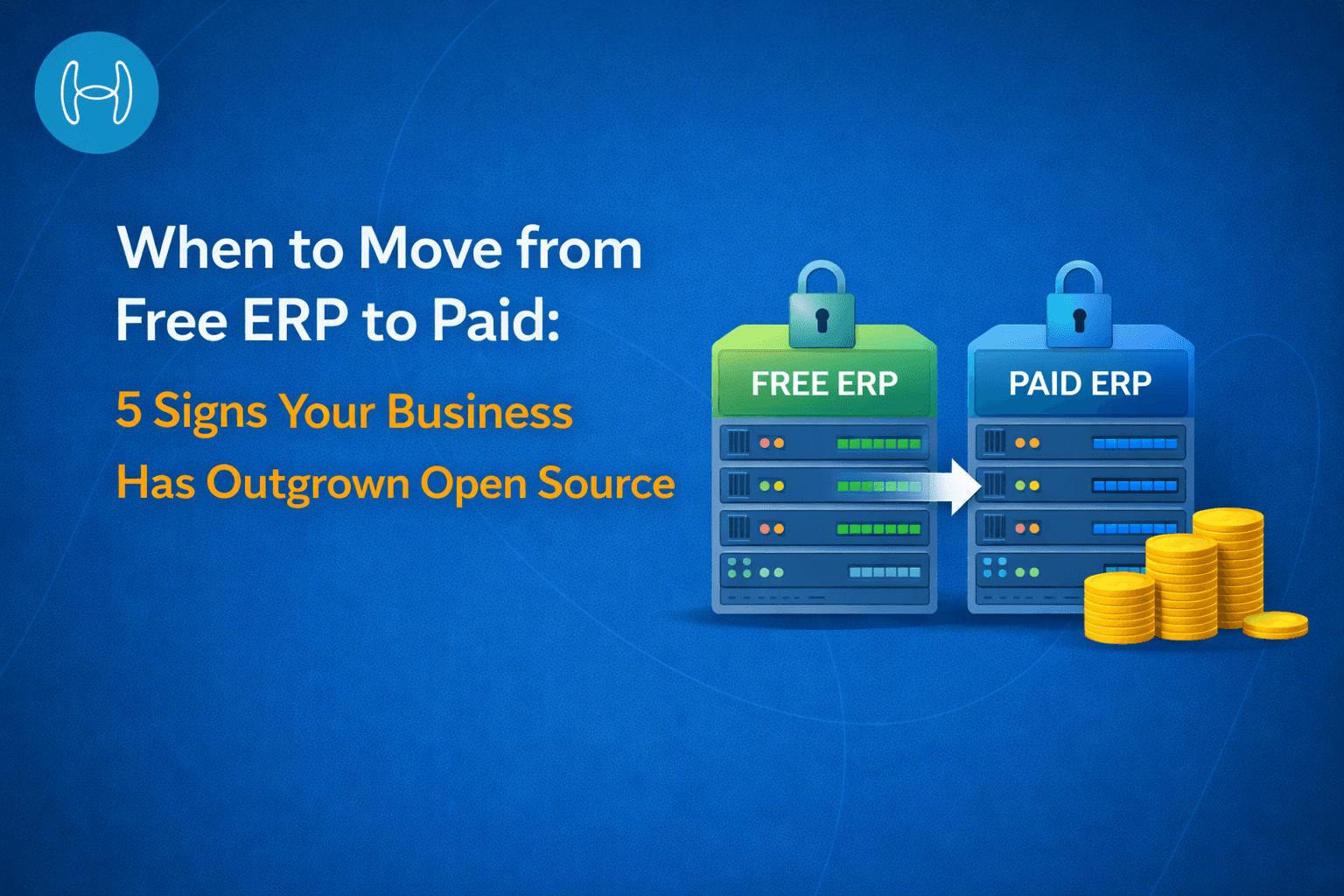
When to Move from Free ERP to Paid: 5 Signs Your Business Has Outgrown Open Source
An honest guide to free vs paid ERP systems, key limitations, and the signs your finance team needs a scalable platform.
You chose a free ERP because the numbers made sense. No licensing cost, no vendor dependency, decent out-of-the-box functionality. For an early-stage business, it is a smart starting point.
But free ERP software has a ceiling. And when a business starts hitting it, the signs are not always obvious. Spreadsheets appear to fill in the gaps. The AP team expands without getting faster. Month-end close stretches from a few days into a few weeks. An audit request that should take an hour takes three days.
This guide is for finance directors, CFOs, and business owners who are past that early stage and asking a real question: is the free ERP still an asset, or has it become a liability?
We explain what free and paid ERPs actually are, the signs that tell you the move is overdue, an honest comparison of both, and where Hyperbots fits once the upgrade is made.
Free ERP: What It Is and What It Is Built For
A free or open source ERP is a financial management system with no licensing cost. The source code is publicly available, meaning it can be downloaded, installed, and customized without paying a vendor.
These platforms handle the foundational work of business finance well: recording transactions, tracking inventory movements, managing purchase orders, and generating basic financial reports. For a business with a small vendor base, manageable invoice volumes, and a straightforward approval structure, a free ERP is often completely adequate.
What "free" does not mean, however, is zero cost. Implementation takes time and technical resource. Customization requires either internal expertise or a developer. Integrations with other business tools must be built and maintained by the business itself. When something breaks, there is no vendor support line. There is a community forum and however long it takes to find an answer.
Free ERPs are designed for simplicity and accessibility at an early stage. They are not designed to scale with a growing business, handle complex compliance requirements, or support the kind of automation layer that modern finance operations increasingly depend on.
Not sure whether a free ERP is still the right fit for your stage? Our guide to free ERP software options for small businesses covers the most common platforms, what they actually do well, and where their limits sit.
Paid ERP: What It Is and What It Adds
A paid ERP is a licensed platform built and maintained by a software vendor. Oracle NetSuite, SAP S/4HANA, Microsoft Dynamics 365 Business Central, and Sage Intacct are the most common examples in the mid-market.
The licensing fee is the obvious difference. What actually matters is what comes with it. Vendor-maintained infrastructure means the business is not responsible for system upkeep. Documented, stable APIs mean external tools, including AI automation platforms, can connect reliably without custom builds. Dedicated support means that when something breaks at month-end, there is someone to call.
Beyond support, paid ERPs are built to handle operational complexity that free systems were never designed for: multi-entity consolidation, entity-level budget controls, immutable audit logs, role-based access at the field level, and native integration with finance automation tools.
The upgrade from free to paid is not a features decision. It is a question of whether the system underneath the business can support the way the business now needs to operate.
5 Signs Your Free ERP Is Costing More Than It Saves
1. You Are Hiring More AP Staff but Processing the Same Volume
Free ERPs have no native invoice automation. Invoices come in as PDFs, emails, or EDI files, and a person reads each one, enters the data, matches it to a purchase order, routes it for approval, and posts it to the system. Every step is manual. Every step takes time.
When transaction volume grows, the only lever available is headcount. Most businesses add staff and still fall behind because the bottleneck is not people, it is the process the system forces them into. The metric that reveals this is simple: invoices processed per person per week. If that number has been flat or falling while the business has grown, the system is the problem. A clear look at the full accounts payable workflow shows exactly where the manual hours are accumulating and what can realistically be removed.
2. Your Finance Records Cannot Survive an Audit
Free ERPs record that a transaction happened. They do not record who approved it, what information was in front of the approver at that moment, or whether anything was changed after it was posted. There is no approval chain. There is no access log. There is no immutable record.
This is fine when a business is small and a single person has eyes on everything. It becomes a serious problem the moment an external party, a lender, an auditor, a regulator, asks for documented evidence of how decisions were made. What should be a five-minute export becomes a multi-day reconstruction from emails, bank statements, and memory. If the answer to "who approved this invoice and why" does not exist in the system, the system has fallen behind what the business now requires.
3. Month-End Close Has Become a Manual Rebuild
In a finance system that is working properly, month-end close is a review. Automated entries are checked, accruals are confirmed against live data, reports are generated. It takes a few days.
In a business that has outgrown its free ERP, month-end looks different. Accruals are estimated because the system has no visibility into open purchase orders or partial receipts. Reconciliations are done in separate spreadsheets because the ERP does not match transactions automatically. Unbilled deliveries are hunted down by chasing department heads. Each workaround adds hours, introduces variance between the books and reality, and carries the risk that something is missed entirely. For businesses reporting to investors or managing tight cash positions, this is not a process problem. It is a system limitation.
4. Vendor Risk Is Only Discovered After Something Goes Wrong
A growing vendor base brings growing compliance obligations: W-9 and W-8 forms, insurance certificates, contract terms, and in certain industries, exclusion list screenings. Free ERPs store a vendor's name and bank details. They do not monitor certificate expiry, flag documentation gaps, or prevent a payment from going to a non-compliant supplier.
The consequence is that problems are found reactively. A lapsed insurance certificate goes unnoticed until a claim is filed. A vendor that has appeared on a federal exclusion list keeps receiving payments until someone manually checks. The information needed to prevent these situations exists somewhere, but it lives outside the ERP in files and folders maintained by someone with too many other things to do. That is not a process that scales.
5. Scaling the Business Means Rebuilding the Technology Stack
This is the sign that is most often underestimated. AI automation tools for finance connect to an ERP through stable, documented APIs. They read live data, process it, and write results back. For this to work, the ERP must support consistent, reliable connectivity.
Free ERP platforms were not designed with this in mind. Their APIs are community-maintained, inconsistently documented, and often require significant custom development to connect to anything beyond a small set of standard tools. When a business reaches the stage where it wants to automate invoice processing, streamline procurement, or add AI-driven accrual estimation, it frequently discovers that the free ERP cannot support those integrations without starting from scratch. Understanding how AI complements ERP systems makes the dependency clear: the ERP is the foundation everything else connects to. If it cannot support the connection, the automation cannot exist.
Free vs Paid ERP: An Honest Comparison
Free ERP | Paid ERP | |
Licensing cost | None | Monthly or annual subscription |
Implementation | Self-managed | Vendor or partner-led |
Support | Community forums | Dedicated vendor support |
API connectivity | Community-maintained, inconsistent | Stable, documented, integration-ready |
Audit trails | Transaction logging only | Full approval chain, access logs, immutable records |
Vendor compliance tracking | Manual or not available | Built-in or automation-ready |
AI and automation compatibility | Limited, requires custom builds | Native connectors available |
Multi-entity support | Limited | Built for multi-entity organizations |
Accruals automation | Not available | Supported natively or via automation layer |
Best for | Early-stage, low-volume businesses | Growing businesses needing scale and compliance |
How Hyperbots Fits In Once You Upgrade
Hyperbots is not an ERP. It is the AI automation layer that sits on top of a paid ERP and handles the processing work that even the best ERP leaves to humans.
It connects to Oracle NetSuite, SAP S/4HANA, SAP ECC, SAP B1, Microsoft Business Central, Sage Intacct, and Sage 300 through pre-built native connectors. It goes live within one month. ROI is typically reached within six months.
The Invoice Processing Co-Pilot achieves 99.8% extraction accuracy and processes up to 80% of invoices straight through without human intervention, cutting invoice processing costs by 80%. The Accruals Co-Pilot reads live PO and receipt data continuously, keeping variance between accrued and actual costs below 5%. The Vendor Management Co-Pilot tracks compliance documents across the entire vendor base and flags issues before they reach the payment stage.
For procurement, purchase requisitions are created in under 5 minutes with live budget checks before any order is placed, reducing PO creation and dispatch time by 80%. A full overview of what end-to-end purchase order automation looks like explains what this means operationally.
DSO is reduced by 40%, unapplied cash by 90%, collections costs by 70%, and cash flow improves by 10%. Reconciliation costs fall by 80%.
None of this is possible without a paid ERP underneath that supports the integration. That is why the two decisions, upgrading the ERP and adding the automation layer, are increasingly made together.
The Right System for the Right Stage
A free ERP is a good starting point. It is not a forever solution. When the signs in this guide start appearing, they are not asking you to spend more money. They are telling you the current setup is already costing you, in staff hours, missed deadlines, and compliance gaps you have not found yet.
The upgrade is not about chasing better features. It is about giving your finance function a foundation it can actually grow on.