Why NetSuite API Integrations Fail in Production: Sandbox Testing, Test Data, and Regression Best Practices
A practical guide to testing NetSuite API integrations, from sandbox limitations to real-world failure scenarios
Every finance team that has gone through an ERP integration project knows the feeling. The integration looked right in the demo environment. The data mapped cleanly. The workflows triggered on schedule. Then it went live, and something unexpected happened: a vendor record did not transfer correctly, an invoice posting failed silently, or a budget check ran against the wrong entity.
These are not unusual outcomes. They are the predictable result of integrations that were not tested rigorously enough before production deployment. And in a finance context, where an undetected error can mean a duplicate payment, a misposted journal entry, or a compliance gap, the cost of inadequate testing is measured in real money and real audit risk.
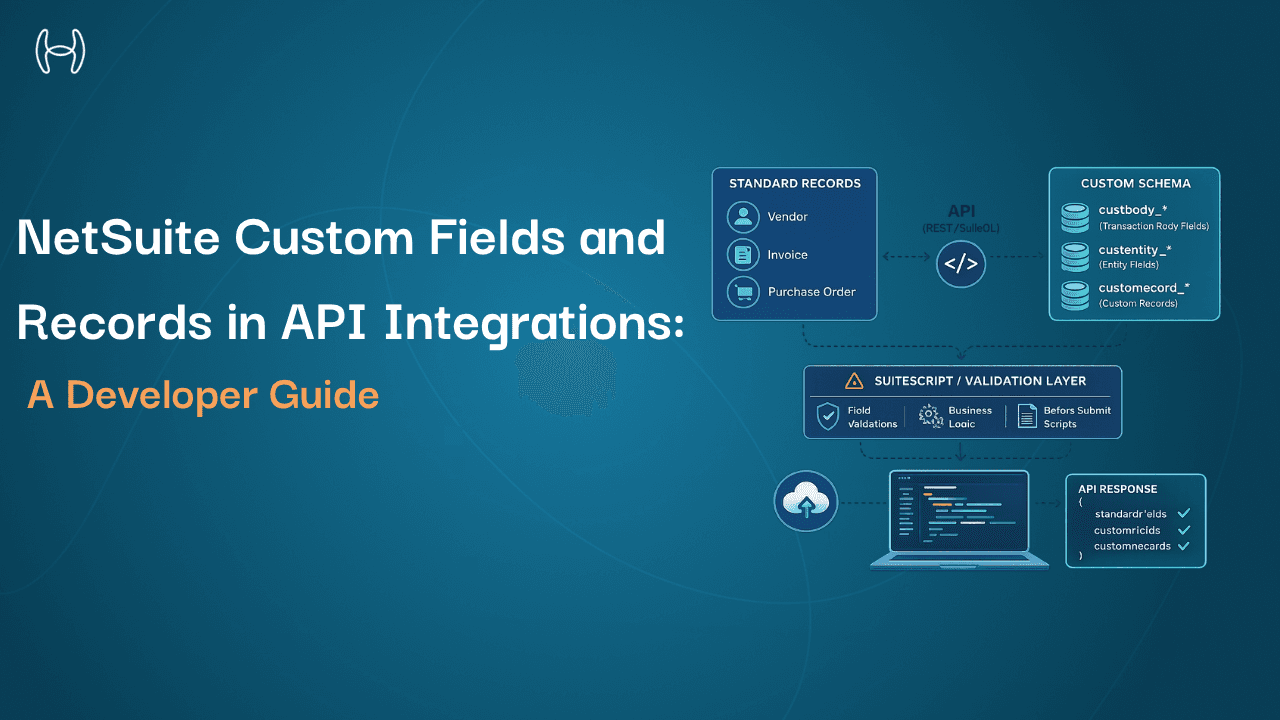
This guide is for integration engineers, developers, IT teams, and technical finance operations staff working with NetSuite. It covers how to test NetSuite API integrations properly: what the sandbox is and what it can and cannot replicate, how to structure test data, where staging diverges from production, how to run regression tests, and where testing most commonly goes wrong. For the foundational API architecture covering authentication, data models, and rate limits, see the NetSuite developer API playbook.
What Is the NetSuite Sandbox and What Does It Actually Replicate?
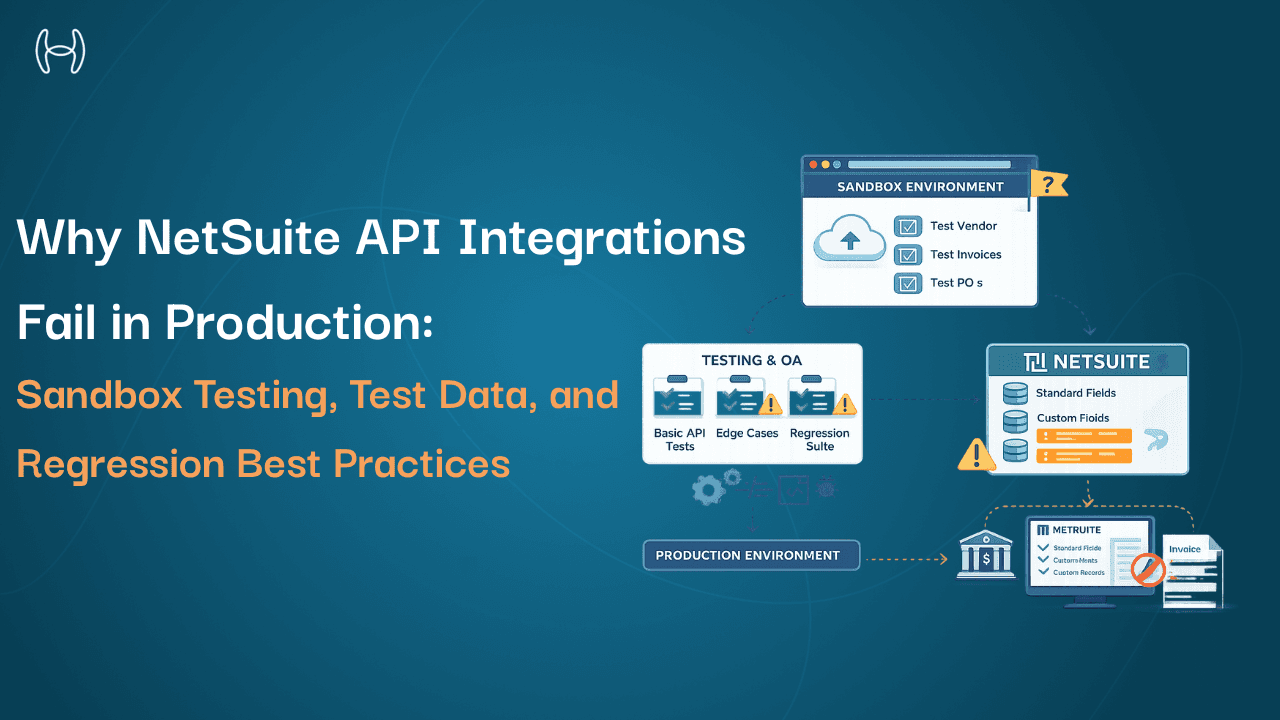
A NetSuite sandbox is a separate instance of the NetSuite environment that mirrors the configuration and data of the production account without affecting live transactions. It is the primary environment for testing integrations, scripts, workflows, and configuration changes before they go live.
NetSuite provides different sandbox types depending on account tier. A full sandbox contains a copy of the production account's configuration, including scripts, workflows, custom records, roles, and permissions. A release preview sandbox is used specifically for testing the impact of upcoming NetSuite platform releases on existing customisations and integrations. A development sandbox is a lighter environment for building and initial testing, typically without a full production data copy.
Understanding which sandbox type you are testing in matters because each has different fidelity to production. A development sandbox that does not contain representative production data will not expose failures that appear when real-world data complexity is introduced. A full sandbox refreshed six months ago may not reflect configuration changes made since then.
Before any integration testing begins, confirm which sandbox type is being used, when it was last refreshed, and whether it reflects the configuration state the integration will encounter in live operation.
Why Test Data Quality Determines Whether Testing Is Meaningful
One of the most consistent failure points in integration testing is the quality of test data. Teams build test datasets that are clean, simple, and representative of the best case. Production data is messy, inconsistent, and full of edge cases that nobody planned for.
A vendor record in the test dataset might have a single address, a confirmed tax ID, and a clean payment history. In production, the same vendor might have three addresses, two active bank accounts, a historical name change that created a legacy record, and invoices in multiple currencies. An integration tested against the clean dataset passes. An integration encountering the production record fails in ways that were never anticipated.
Effective test data strategy follows these principles:
Use anonymised production data where possible. Sanitised copies of real production records expose data quality issues, duplicate entries, and structural inconsistencies that synthetic test data does not. This is significantly more reliable than building representative datasets from scratch.
Build negative test cases deliberately. Test what happens when the integration receives a malformed invoice, a vendor record with a missing tax ID, a purchase order with no matching goods receipt, or a currency that is not configured in NetSuite. Integration failures in production almost always occur at edge cases, not at the expected case.
Include volume testing. An integration that processes 10 invoices correctly in a sandbox may behave differently when processing 500 concurrently. NetSuite API rate limits, timeout thresholds, and processing queue behaviour under load only appear at production-level volumes.
Maintain test data consistency across runs. Version-controlled test datasets that reset to a known state at the start of each test cycle allow meaningful comparison between runs and make regression testing reliable.
The complete guide to NetSuite features in 2025 covers how NetSuite's data model is structured across modules, which is useful context for designing test cases that reflect how production data is actually organised.
Where Staging Differs From Production and Why It Matters
Even a well-maintained full sandbox is not identical to the production environment. Understanding where they diverge prevents false confidence in test results.
Connected systems behave differently. In production, the NetSuite integration connects to live vendor portals, banking systems, payment processors, and approval systems. In the sandbox, these connections either do not exist or point to test instances. An integration that handles authentication, error responses, and timeouts correctly in the sandbox may encounter different behaviour in production.
Notification triggers fire differently. Workflow-triggered notifications, approval emails, and vendor communications are typically suppressed or redirected in sandbox environments. Testing notification logic requires specific configuration to replicate production behaviour rather than silently suppressing expected outputs.
User roles and permissions may differ. Role configurations change in production as staff turn over. If the sandbox has not been refreshed alongside production, tests may pass with permissions that do not exist in live operation, creating failures when a real user performs the same action.
Data volumes are lower. Queries, reports, and processes that run within acceptable time limits in the sandbox may perform significantly differently against full production data volumes.
The testing protocol should document these known gaps explicitly and include steps to validate each area separately before production deployment.
Common Testing Pitfalls and How to Avoid Them
Integration testing failures follow predictable patterns. These are the ones that appear most consistently in NetSuite integration projects.
Testing only the happy path. Developers naturally test the scenario the integration was designed for. Nobody deliberately tests what happens when the integration receives unexpected input, encounters a network timeout, or attempts to post to a locked accounting period. Comprehensive testing requires negative cases, boundary cases, and failure recovery scenarios written as explicitly as success cases.
Not testing rollback and error handling. When an integration fails midway through a transaction, what happens? Does it roll back cleanly? Does it leave a partial record in NetSuite? Does it retry automatically and if so, does the retry create a duplicate? These questions need explicit test cases because the consequences in production are journal entry mismatches, duplicate invoices, and locked records.
Insufficient testing of API rate limit behaviour. NetSuite enforces concurrency limits and request rate limits that vary by account type and transaction volume. Integrations that do not handle rate limit responses gracefully will fail in production during high-volume periods. Testing should include scenarios where rate limits are intentionally triggered to verify that the integration queues, retries, and alerts appropriately.
Treating sandbox sign-off as production readiness. Sandbox testing confirms that the integration logic is correct under controlled conditions. It does not confirm production readiness until a structured parallel run or phased rollout has been completed.
Testing Dimension | What to Test | Common Pitfall |
Sandbox fidelity | Configuration currency, data recency, connected system behaviour | Assuming sandbox equals production |
Test data quality | Edge cases, volume, negative inputs, anonymised production records | Using only clean, synthetic datasets |
Staging vs production gaps | Permissions, notification suppression, connected endpoints | Treating sandbox results as production-ready |
Error handling | Rollback behaviour, retry logic, rate limit responses | Testing only success scenarios |
Regression | Impact of NetSuite updates and config changes on existing integrations | Running regression only at initial deployment |
Regression Testing: Why It Cannot Be a One-Time Exercise
Regression testing is the process of re-running a defined set of integration tests after any change to the integration, the ERP configuration, or a connected system, to confirm that previously working functionality has not been broken.
This matters in a NetSuite context for a specific reason. Oracle releases updates to NetSuite on a regular schedule and these updates can change API behaviour, introduce new field requirements, alter workflow trigger conditions, or deprecate features that existing integrations rely on. An integration working correctly before a platform update may fail silently afterward if regression testing is not run.
Regression testing should also trigger when the connected system changes. When the vendor portal, payment processor, or AP automation platform connecting to NetSuite releases an update, the integration layer between them needs re-validation. By the time an error rate increases in production, the business impact has already occurred.
The practical requirement is a maintained regression test suite: a documented set of test cases with expected outcomes that can be run systematically after any change event. This suite should be version-controlled, updated when the integration changes, and executed against a current sandbox before any update reaches production. For organisations comparing ERP platforms and evaluating where NetSuite fits, the guide to NetSuite alternatives in 2025 covers integration considerations across platforms.
How Hyperbots Reduces Integration Risk for NetSuite
Here is how the integration risk categories above map to what Hyperbots addresses in practice:
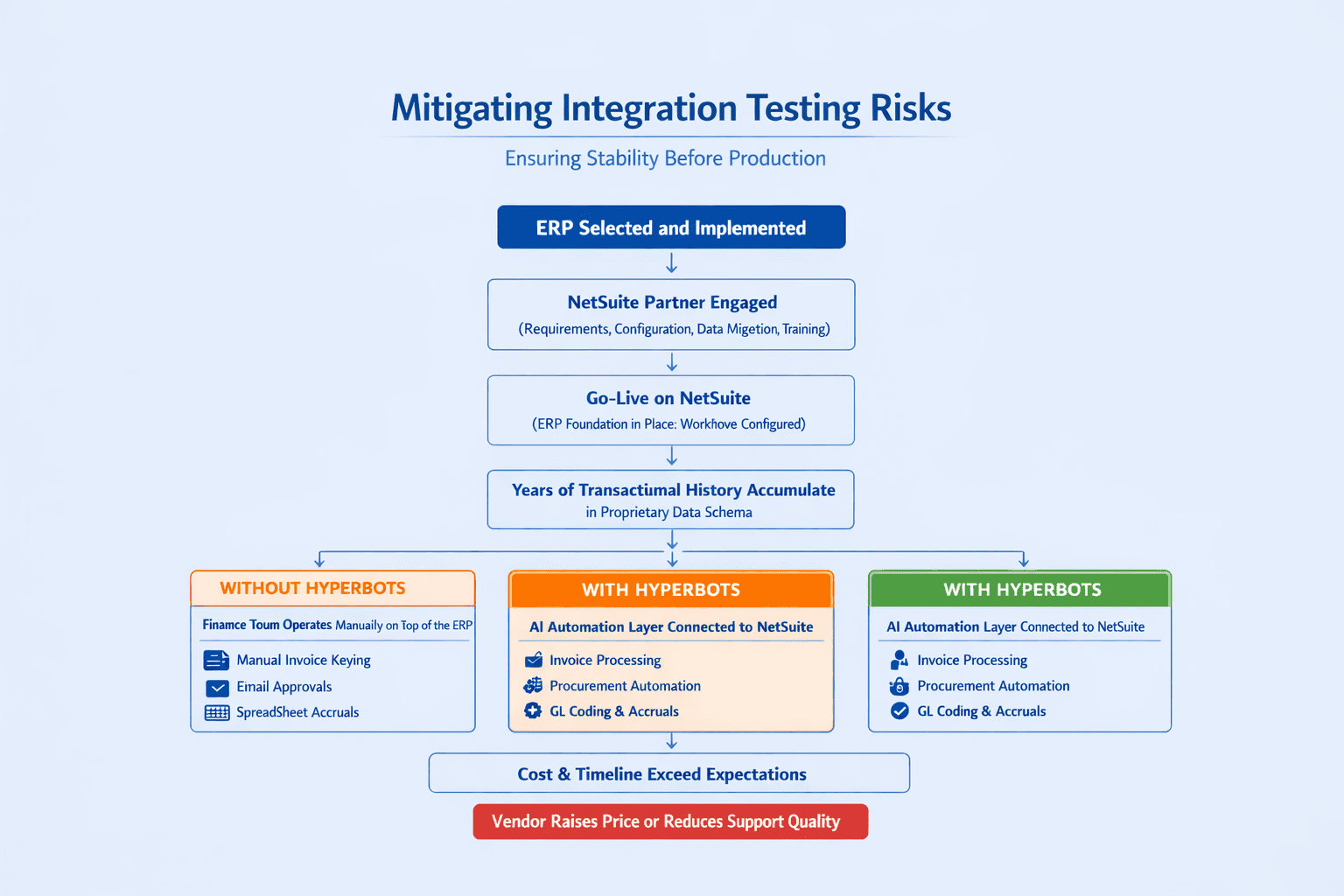
The testing strategies above apply to any integration connecting to NetSuite. Where Hyperbots changes the equation is in how the integration is structured from the start.
Hyperbots connects to NetSuite through a pre-built native integration that has been developed, tested, and maintained against the NetSuite API. The connector is not built from scratch for each customer deployment. It is a versioned, maintained connector updated in response to NetSuite platform changes as part of Hyperbots' standard release cycle. This removes the burden of maintaining custom integration code from the finance or IT team and eliminates the class of regression failures that arise from unmanaged API changes.
The Hyperbots platform is built with a validation layer that checks integration outputs before they are posted to the ERP. Invoice data extracted from source documents is validated against the NetSuite vendor record, purchase order, and GL structure before any posting is attempted. Errors surface as structured exceptions with the specific validation failure identified, rather than as failed transactions requiring manual investigation.
For finance teams deploying the Invoice Processing Co-Pilot on NetSuite, the deployment process includes rigorous testing in the customer's UAT environment, validating data exchange and process accuracy before production activation. The guide on advancing Oracle NetSuite operations with Hyperbots covers the integration architecture and deployment process in detail.
Hyperbots goes live within one month. See it in action with a demo or start your free trial today.
Conclusion
NetSuite API integrations that go live without structured testing create risk that is difficult to quantify in advance and expensive to remediate after the fact. The strategies above, proper sandbox use, representative test data, documented staging gaps, explicit error handling tests, and a maintained regression suite, are the difference between an integration that works reliably at scale and one that works in the demo and fails in production.
The goal is not to eliminate all risk. It is to surface failures in a controlled environment where they can be corrected without affecting live transactions, vendor relationships, or financial records. A testing protocol that is disciplined about this pays for itself the first time it catches something that would otherwise have reached production.