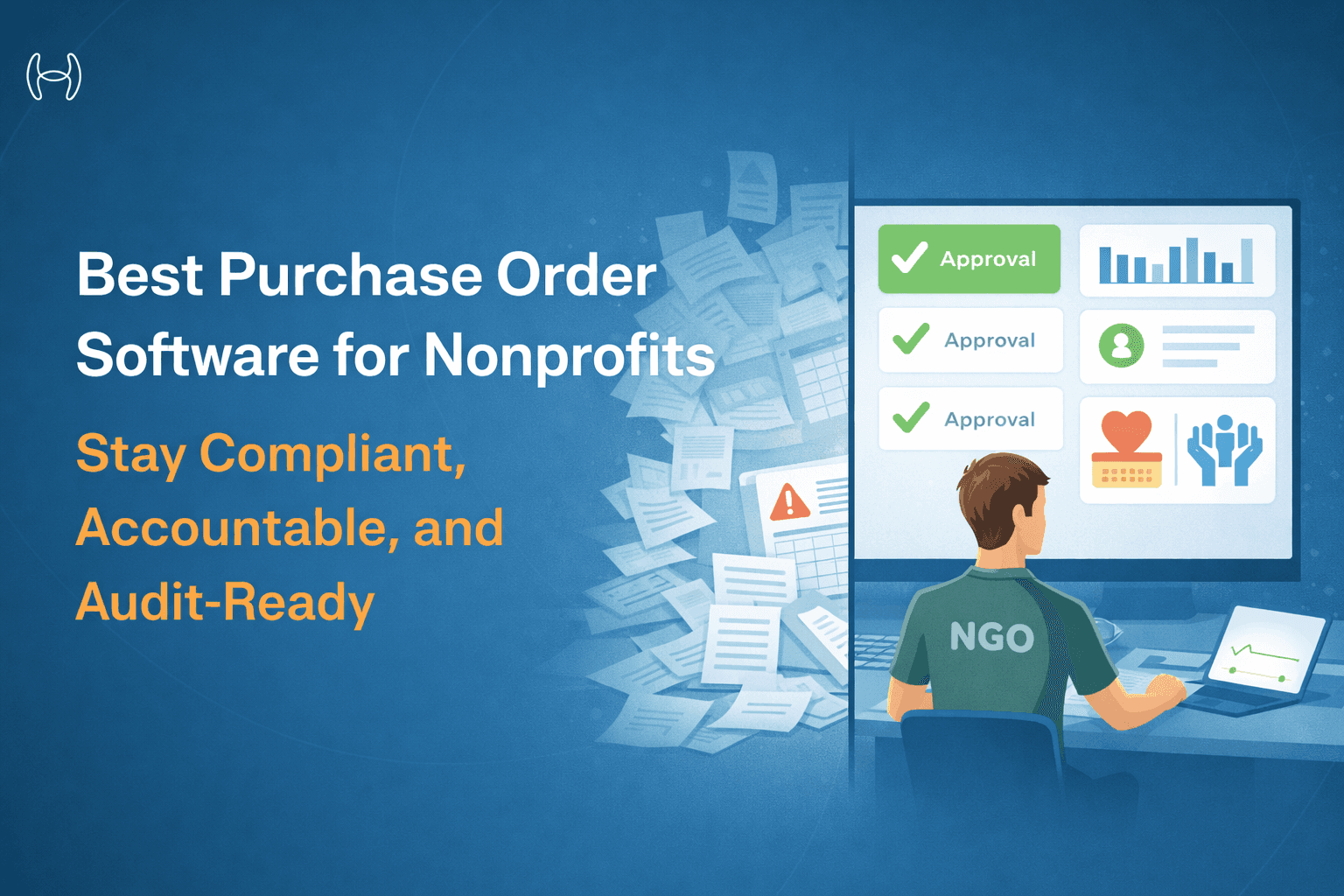
Best Purchase Order Software for Nonprofits: Stay Compliant, Accountable, and Audit-Ready
A practical guide to choosing purchase order software that supports fund tracking, grant compliance, and nonprofit governance without adding administrative burden.
Executive Summary
Nonprofits operate under a level of financial scrutiny that most for-profit businesses never face. Every dollar spent must be traceable to a funding source, justifiable to a board or donor, and defensible in an audit. Yet the procurement processes at most nonprofits still rely on manual approvals, shared spreadsheets, and email chains that create exactly the kind of gaps that auditors flag and funders question.
The best purchase order software for nonprofits is not simply a lighter version of enterprise procurement software. It needs to handle fund-based budgeting, grant restrictions, multi-level board approvals, and compliance requirements that are unique to the sector. This guide explains what to look for, why standard tools fall short, and how AI-powered procurement automation helps nonprofits spend with confidence.
What Is a Purchase Order System and Why Do Nonprofits Need One?
A purchase order is a formal, documented commitment to a vendor that specifies what is being purchased, at what price, and under what terms. For nonprofits, the PO is more than an operational document. It is a financial control mechanism that links every expenditure to an approved budget, a specific fund, and an authorizing individual.
Without a structured PO system, nonprofits routinely encounter problems that go beyond simple inefficiency. Staff make purchases against restricted grant funds without realizing the restriction. Board approval requirements are bypassed because the approval process is informal. Auditors flag missing documentation during annual reviews. Funders question whether their contributions were used as intended.
A purpose-built purchase order system addresses all of these risks by enforcing controls at the point of purchase, not after the fact.
Why Standard PO Software Doesn't Work for Nonprofits
Most purchase order software is designed for commercial procurement. It assumes a single budget pool, a linear approval hierarchy, and financial reporting aligned with profit and loss. Nonprofits work differently, and those differences matter.
Fund-Based Budgeting
Nonprofits do not have a single operating budget. They manage multiple funds simultaneously, each with its own restrictions, reporting requirements, and expiry dates. A general-purpose PO system that checks spend against a single budget line is not enough. The system needs to validate purchases against the correct fund, flag when a request would exceed that fund's available balance, and prevent restricted funds from being used for ineligible expenses.
Grant Compliance Requirements
Grant-funded nonprofits must demonstrate that every expenditure within a grant period was allowable, allocable, and reasonable under the grant's terms. This means procurement records need to capture not just what was bought, but which grant it was charged to, whether the purchase was within the approved budget category, and whether the proper authorization was obtained. A standard commercial PO system does not carry this level of detail.
Board and Committee Approval Structures
Many nonprofits require board or finance committee sign-off on purchases above a certain threshold, purchases with certain vendors, or purchases in specific categories. These approval structures do not map neatly to the departmental hierarchies that most PO software assumes. The system needs to be flexible enough to route approvals to board members, committee chairs, or executive directors based on the nonprofit's own governance policies.
Audit and Donor Reporting
Nonprofit audits are not just about whether the numbers add up. Auditors look for documented evidence that procurement policies were followed, that purchases were properly authorized, and that restricted funds were used appropriately. Every purchase order needs a complete, accessible record of who requested it, who approved it, what fund it was charged to, and what documentation supported it.
How the Nonprofit Purchase Order Process Should Work
Most nonprofits have a procurement process that exists in some form, whether written down or not. The problem is rarely the intent; it is the execution. Below is the process that a well-configured PO system enforces automatically, compared to what typically happens in a manual environment.
Step | Stage | What Should Happen |
|---|---|---|
01 | Purchase Request | Staff member submits a PR with item details, quantity, vendor, and fund or grant code. System auto-fills known fields from contracts and vendor records. |
02 | Fund and Budget Validation | System checks the request against the available balance of the specified fund in real time. Out-of-balance or restricted-fund requests are flagged immediately. |
03 | Policy and Compliance Check | Request is validated against procurement policy — approved vendor list, spending category rules, and any grant-specific restrictions. Non-compliant requests are flagged before routing. |
04 | Approval Routing | PO is routed based on spend threshold, fund type, and category. Low-value requests may auto-approve. Higher-value or grant-funded requests route to finance manager, executive director, or board committee as configured. |
05 | Purchase Order Issuance | On approval, a formatted PO is generated and dispatched to the vendor. Fund coding, authorization details, and grant reference are captured on the document. |
06 | Goods Receipt and Invoice Matching | On delivery, the system matches the PO against the vendor invoice and goods receipt. Discrepancies are flagged for resolution before payment is released. |
07 | Audit Trail and Reporting | Every action across all steps is recorded with timestamps, user details, and fund references. Records are instantly accessible for auditors, board reviews, and funder reporting. |
Key Features to Look for in Nonprofit Purchase Order Software
Fund and Grant Tracking
The system must allow each purchase order to be coded to a specific fund or grant at the line-item level. It should perform real-time balance checks against that fund and flag any request that would exceed available funds or violate grant restrictions. This single capability eliminates the most common and most costly procurement errors in nonprofit finance.
Flexible Multi-Level Approval Workflows
Approval workflows must be configurable to match the nonprofit's governance structure, not the other way around. This means supporting approval routing based on spend amount, fund type, vendor category, and department, as well as the ability to route to board members or external approvers when required.
Audit-Ready Documentation
Every action taken on a purchase order should be recorded with a timestamp, the name of the person who took it, and the relevant data at the time. This audit trail needs to be accessible, exportable, and organized in a way that makes it easy for auditors and funders to trace any expenditure from approval to payment.
Vendor Management and Compliance
Nonprofits often work with a mix of regular vendors, grant-specified vendors, and new suppliers brought in for specific programs. Vendor management capabilities should include vendor onboarding with documentation requirements, verification against restricted party lists where applicable, and centralized vendor records that prevent duplicate or outdated supplier information from causing payment errors.
Budget Controls at the Point of Request
Budget checks should happen when a purchase requisition is submitted, not when an invoice arrives. The system should surface available fund balances to the requester and their approver in real time, so that budget decisions are made with accurate information rather than assumptions.
Simple, Accessible Interface
Nonprofits often have staff who are not finance specialists submitting purchase requests. Program officers, field staff, and volunteers may all need to initiate purchases. The interface needs to be straightforward enough that people with limited financial training can use it correctly without requiring constant support from the finance team.
The Hidden Cost of Manual Procurement in Nonprofits
The operational cost of manual procurement is often invisible in nonprofit finance because it is absorbed by staff time rather than showing up as a line item. Consider what a typical manual procurement process looks like: a staff member emails a request, the finance manager checks the spreadsheet to see if funds are available, a supervisor is copied for approval, the vendor is contacted by phone or email, and the invoice arrives weeks later with no clear link to the original request.
Each of those steps introduces delay, error risk, and documentation gaps. When auditors review the year and find purchase approvals in email threads, fund coding on sticky notes, and invoices that cannot be matched to approved requests, the cost becomes very visible very quickly.
Purchase order automation replaces this chain of informal steps with a structured, documented process where every purchase is requested, validated, approved, and recorded in one place. For nonprofits operating on tight budgets and under constant scrutiny, the reduction in administrative burden and compliance risk is substantial.
Comparison: Manual vs. Automated Nonprofit Procurement
Area | Manual Process | Automated PO System |
|---|---|---|
Fund validation | Checked manually, often after the fact | Real-time check at point of request |
Grant coding | Assigned by memory or spreadsheet | Required field, validated against fund rules |
Approval routing | Email chains, no audit record | Configured workflows with full audit trail |
Vendor records | Spreadsheet or contact list | Centralized, validated vendor master |
Audit preparation | Hours of document retrieval | Instant export of complete records |
Budget visibility | Updated periodically, often stale | Real-time across all funds and programs |
Invoice matching | Manual, error-prone | Automated 2-way and 3-way matching |
Staff effort per PO | 30 to 60 minutes across multiple people | Under 5 minutes end to end |
How Hyperbots Supports Nonprofit Procurement
Hyperbots' Procurement Co-Pilot is designed for organizations that need more from their procurement process than basic workflow automation. For nonprofits, the most relevant capabilities are the ones that enforce accountability without adding administrative burden.
The Procurement Co-Pilot auto-fills purchase requisition forms by pulling data from contracts, vendor records, and prior purchase history. This reduces the time and effort required from program staff while ensuring that critical fields, including fund coding and budget center, are captured correctly from the start. Real-time budget checks prevent requests from proceeding if they would exceed available fund balances, so finance teams are not constantly correcting coding errors after the fact.
Approval routing is fully configurable, meaning nonprofits can build workflows that match their actual governance structure, whether that requires executive director sign-off above a certain threshold, finance committee review for grant-funded purchases, or dual authorization for specific vendor categories.
Once a purchase order is approved and issued, the Invoice Processing Co-Pilot handles the downstream matching. It automates invoice processing from receipt through extraction, validation, and matching against the original PO, reducing the manual reconciliation work that typically consumes significant time at month-end and year-end close.
The complete audit trail captures every action taken by both the AI and human approvers, with timestamps and context. When auditors or funders request documentation, the records are available immediately and in a format that is easy to review.
Teams go live within one month through no-code configuration and guided onboarding. Nonprofits that deploy the platform consistently reach positive ROI within six months, primarily through the reduction in staff hours spent on manual procurement tasks and the elimination of compliance errors that require costly remediation.
What to Ask When Evaluating Nonprofit PO Software
Before committing to a platform, finance leaders at nonprofits should walk through these questions with any vendor they are evaluating:
Can the system track purchases at the fund and grant level, with real-time balance visibility?
How does the approval workflow handle board-level or committee-level sign-off requirements?
What does the audit trail capture, and how is it exported for auditors and funders?
Does the system integrate with the accounting platform the organization already uses?
How long does implementation take, and what does onboarding support look like?
Is pricing based on per-seat licenses, or does the platform offer unlimited user access?
That last question matters more for nonprofits than most buyers realize. A per-seat pricing model means that every program officer, volunteer coordinator, or field manager who needs to submit a purchase request adds cost to the platform. Unlimited-user licensing removes this barrier and encourages the kind of organization-wide adoption that makes the system genuinely useful.
FAQs
Q1: What makes purchase order software suitable for nonprofits specifically?
Nonprofit-specific PO software needs to support fund-based budgeting, grant restriction enforcement, configurable approval workflows that match governance structures, and comprehensive audit trails. Generic commercial procurement tools typically lack these capabilities.
Q2: How does a PO system help with grant compliance?
By requiring every purchase to be coded to a specific fund at the time of request, and by validating that purchase against the fund's available balance and eligible expense categories, a PO system creates an unbroken documentary record from approved grant budget to actual expenditure. This is exactly the evidence that grant audits require.
Q3: Do nonprofits need expensive enterprise software for this?
Not necessarily. The key is finding a platform that has the right features for nonprofit requirements, particularly fund tracking and configurable approvals, without requiring a lengthy implementation or per-seat pricing that makes organization-wide adoption cost-prohibitive.
Q4: How quickly can a nonprofit implement a PO system?
With modern AI-native platforms that offer no-code configuration and guided onboarding, most organizations are fully live within one month. This is a significant improvement over legacy procurement systems that require months of setup and specialist configuration.
Q5: Can PO software integrate with nonprofit accounting systems?
Yes. Modern platforms integrate with the accounting systems most commonly used in the nonprofit sector, ensuring that purchase orders, fund codes, and vendor records stay synchronized without manual data re-entry.
For organizations at an earlier stage of procurement maturity, our guide to the best purchase order system for small business covers the foundational features and setup steps worth understanding before scaling up. For organizations at an earlier stage of procurement maturity, our guide to the best purchase order system for small business covers the foundational features and setup steps worth understanding before scaling up.